Automation is attractive because the problem looks obvious: someone spends hours each week copying information from one place to another, chasing approvals, or sending the same reminder emails. Tools like Power Automate make it possible to build a flow in an afternoon. Sometimes that is exactly right. Sometimes it locks an inefficient process into place.
Understand the process as it actually runs
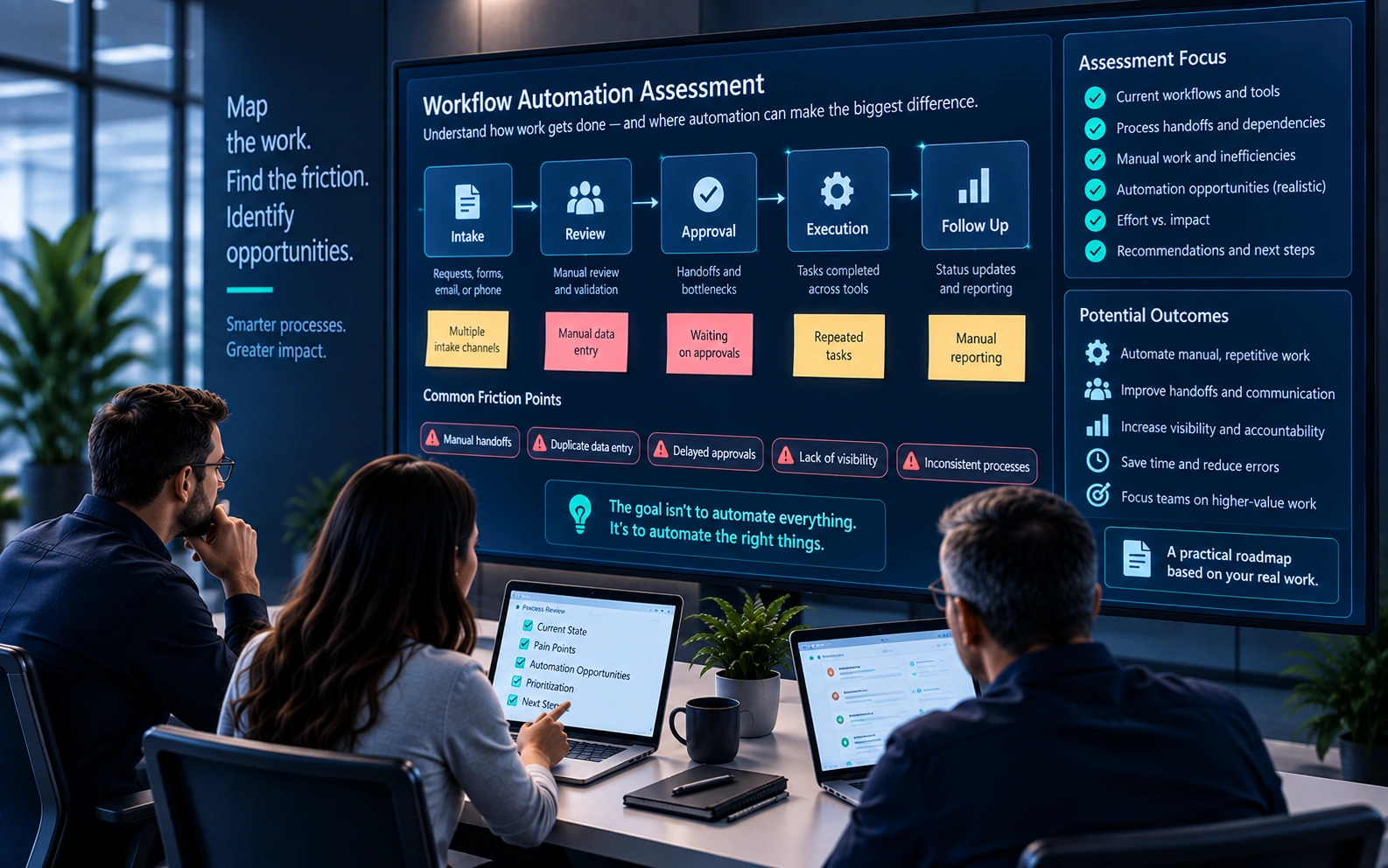
Documented processes and real processes are often different. Before automating, walk through the work with the people who do it. Where does information come from? Who makes decisions, and based on what? What happens when something is missing or wrong? The exceptions are usually where most of the time goes, and they are the part automation handles worst if nobody planned for them.
Sometimes the fix is a process change
A step that exists because of a rule nobody remembers, an approval that is always granted, or a report that nobody reads can simply be removed. A form that collects the right information up front can eliminate a round of follow-up emails. These changes cost little and make any later automation simpler.
Choosing the right tool
When automation is the right answer, the tool should match the work. Power Automate and Power Apps fit well when the process lives mostly inside Microsoft 365, the logic is manageable, and business users can help maintain it. An integration fits when two systems need to exchange data reliably and at volume. Custom software fits when the process is central to the business, has complex rules, or needs a user experience and data model that low-code tools strain to provide.
Plan for ownership
Every automation becomes something that has to be maintained. Flows break when a connected system changes, when an account is disabled, or when the process evolves. Deciding who owns each automation, where it is documented, and how it is monitored is part of building it — not an afterthought. Power Platform environments and data policies help keep that manageable as the number of automations grows.
The best automation projects start with a clear understanding of the work, remove what is unnecessary, and then automate what remains with a tool the organization can support.