
Microsoft now offers several ways to put AI to work, and the names can make them sound interchangeable. Microsoft 365 Copilot, Copilot Studio, and Microsoft Foundry all involve models and agents. They solve different problems, and picking the wrong one usually shows up later as either an agent that cannot do enough or an application that was more work than it needed to be.
Microsoft 365 Copilot: assistance inside everyday work
Microsoft 365 Copilot helps individuals work with their own mail, meetings, documents, and chats. It is the right starting point when the goal is general productivity inside the Microsoft 365 applications people already use. It is not designed to run a specific business process end to end.
Copilot Studio: agents for defined work
Copilot Studio is for building agents around a particular job: answering questions from an approved knowledge source, guiding an employee through a request, collecting information and handing it to a workflow, or taking a defined action in a connected system. It fits well when the process is understood, the knowledge sources are known, and the agent's boundaries can be described in a sentence or two.
Because Copilot Studio sits close to Microsoft 365 and Power Platform, it is often the practical choice when the work already lives there. The main design questions are about scope, knowledge, permissions, and who will maintain the agent after launch.
Microsoft Foundry: purpose-built AI applications
Microsoft Foundry is for teams building AI into their own applications and services — where they need more control over model selection, orchestration, retrieval, evaluation, and how the AI behaves inside a larger system. It fits when the AI capability is part of a product or a core operational system, when the data and integrations go beyond what a low-code agent can reasonably handle, or when the organization needs to measure and tune behavior rigorously.
That flexibility comes with engineering responsibility. A Foundry-based solution is software, and it needs to be designed, tested, secured, deployed, and operated like software.
A simple way to decide
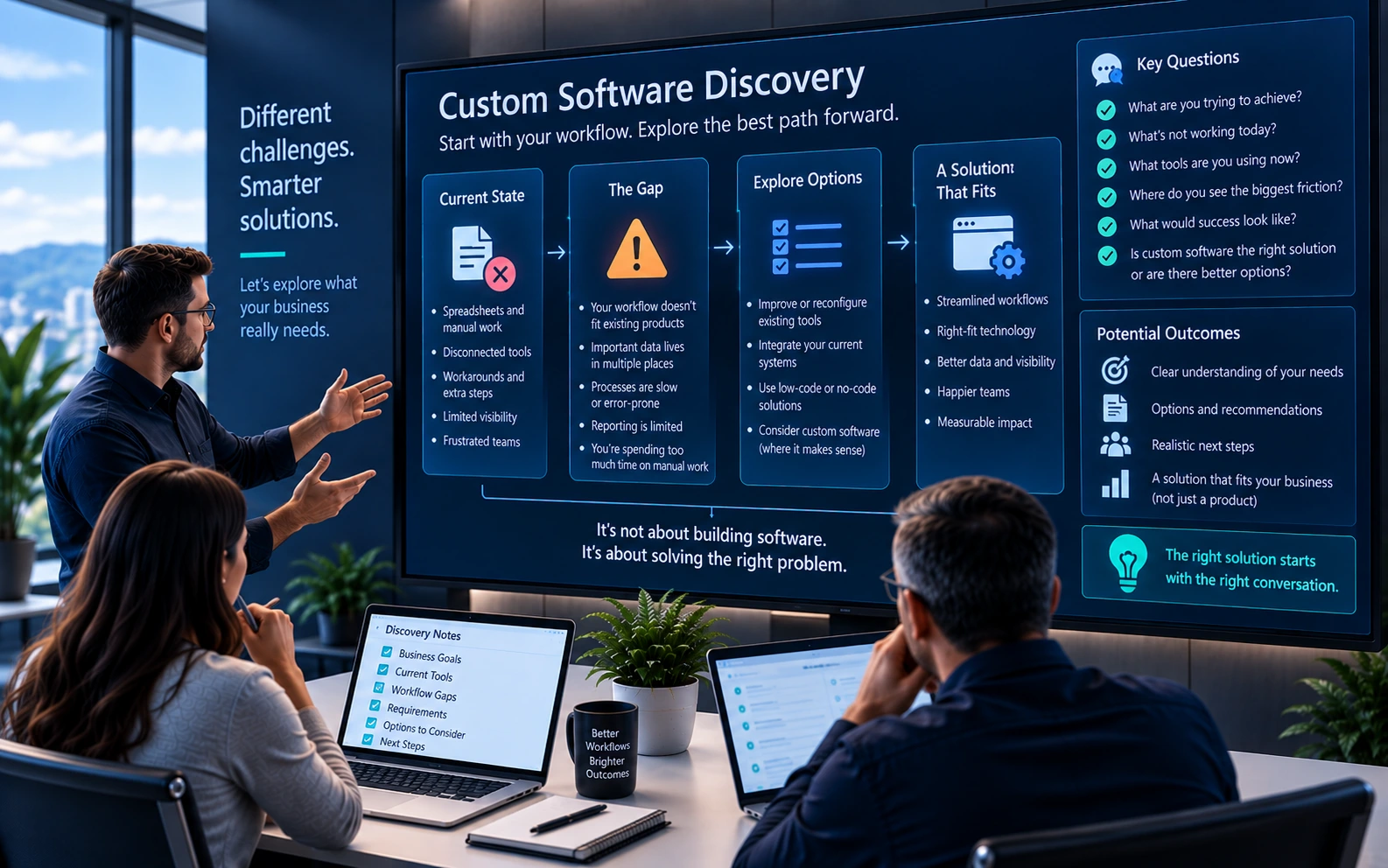
Start by describing the work. Who is it for? What information does it depend on? What should happen at the end? If the answer is personal productivity across Microsoft 365, start with Copilot. If it is a bounded business task with known sources and actions, start with Copilot Studio. If it is an AI capability embedded in a larger application or requiring deeper control, look at Foundry.
And if the description reveals that the process itself is unclear, the first step may not involve AI at all.